10 Pro Tips to Get the Most Out of Your Vietnam eSIM
Choosing a Vietnam travel eSIM is one of the smartest ways to stay connected while avoiding expensive roaming fees. Whether you are exploring the historic streets of Hanoi, working remotely in Da Nang, or relaxing on the beaches of Phu Quoc, mobile internet is essential for maps, ride-hailing apps, translation tools, messaging, and everyday travel convenience.
However, simply activating your plan is only the beginning.
If you are searching for the best tips to use Vietnam eSIM efficiently, this guide will help you save data, improve connection quality, and avoid common mistakes. We’ll also cover practical esim Vietnam travel tips, smart ways to maximize data Vietnam, and proven settings for a smoother trip.
1. Download Offline Maps Before Leaving Your Hotel
One of the easiest Vietnam eSIM tricks is reducing how much data navigation apps consume.
Google Maps constantly loads:
live traffic updates
business listings
route recalculations
images and map layers
That can quickly drain your plan.
What to Do
While connected to hotel WiFi:
Open Google Maps
Search for your city or destination
Tap Download Offline Map
Why It Helps
You can still navigate using GPS without needing constant mobile data.
This is especially useful for:
motorbike travel
road trips
Sapa and Ha Giang routes
remote beach areas
long day tours
Offline maps are one of the best data optimization strategies for travelers.
2. Turn On Low Data Mode
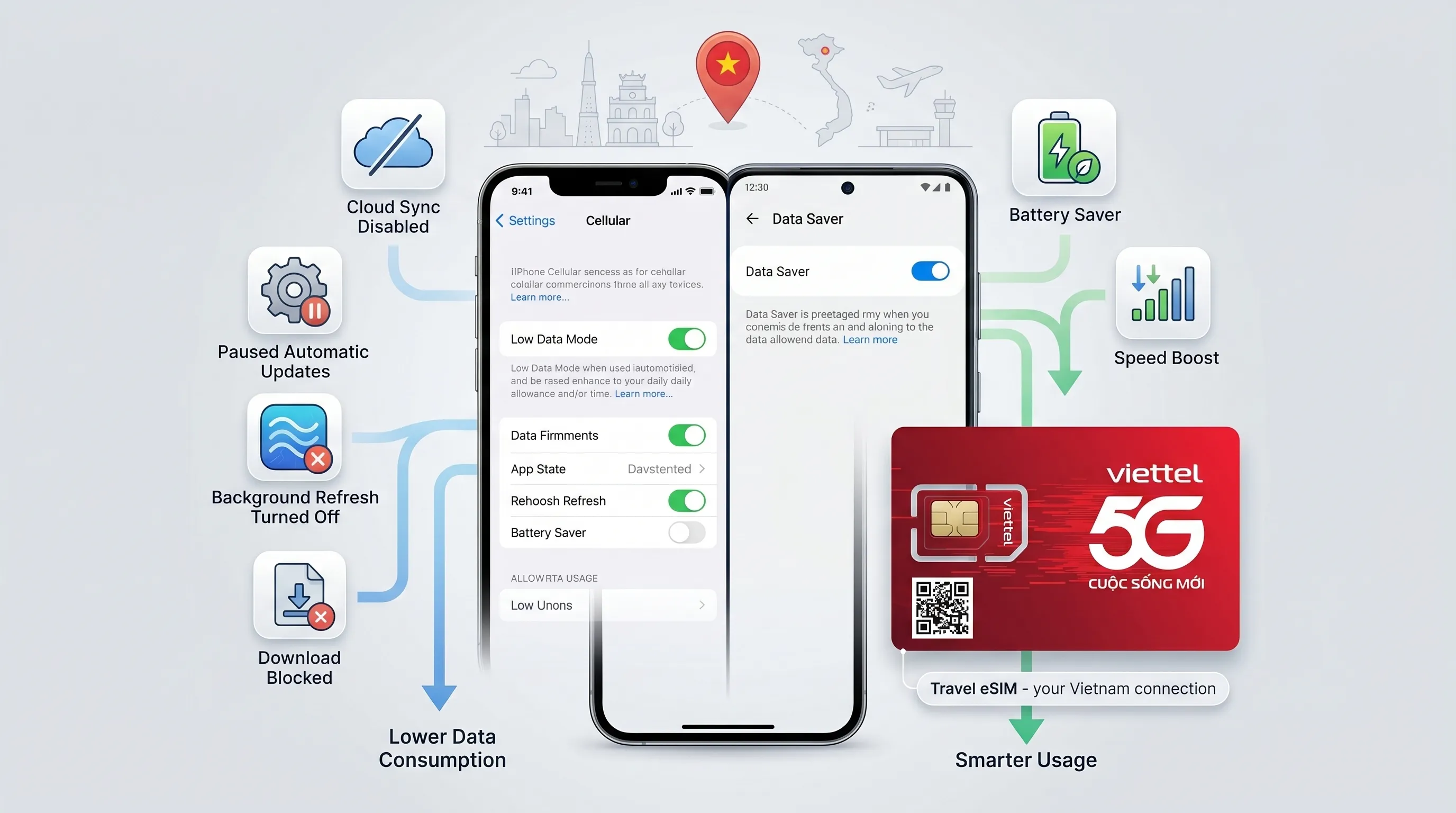
If you want to maximize data Vietnam, activate your phone’s built-in data saving tools.
For iPhone
Go to:
Settings → Cellular → Select eSIM → Low Data Mode ON
For Android
Go to:
Settings → Network & Internet → Data Saver ON
What It Does
Low Data Mode helps reduce:
automatic updates
background sync
cloud refresh
hidden downloads
This simple setting can significantly extend your daily allowance.
3. Disable Background App Refresh
Many apps continue using mobile data even when you are not using them.
Common examples:
Facebook
Instagram
TikTok
Gmail
weather apps
news apps
This is one of the most overlooked best practices esim Vietnam users should know.
What to Do
Search your settings for:
Background App Refresh
Then choose:
OFF completely
orWiFi only
Why It Matters
This prevents hundreds of MB from disappearing in the background.
4. Turn Off WiFi Assist or Smart Network Switching
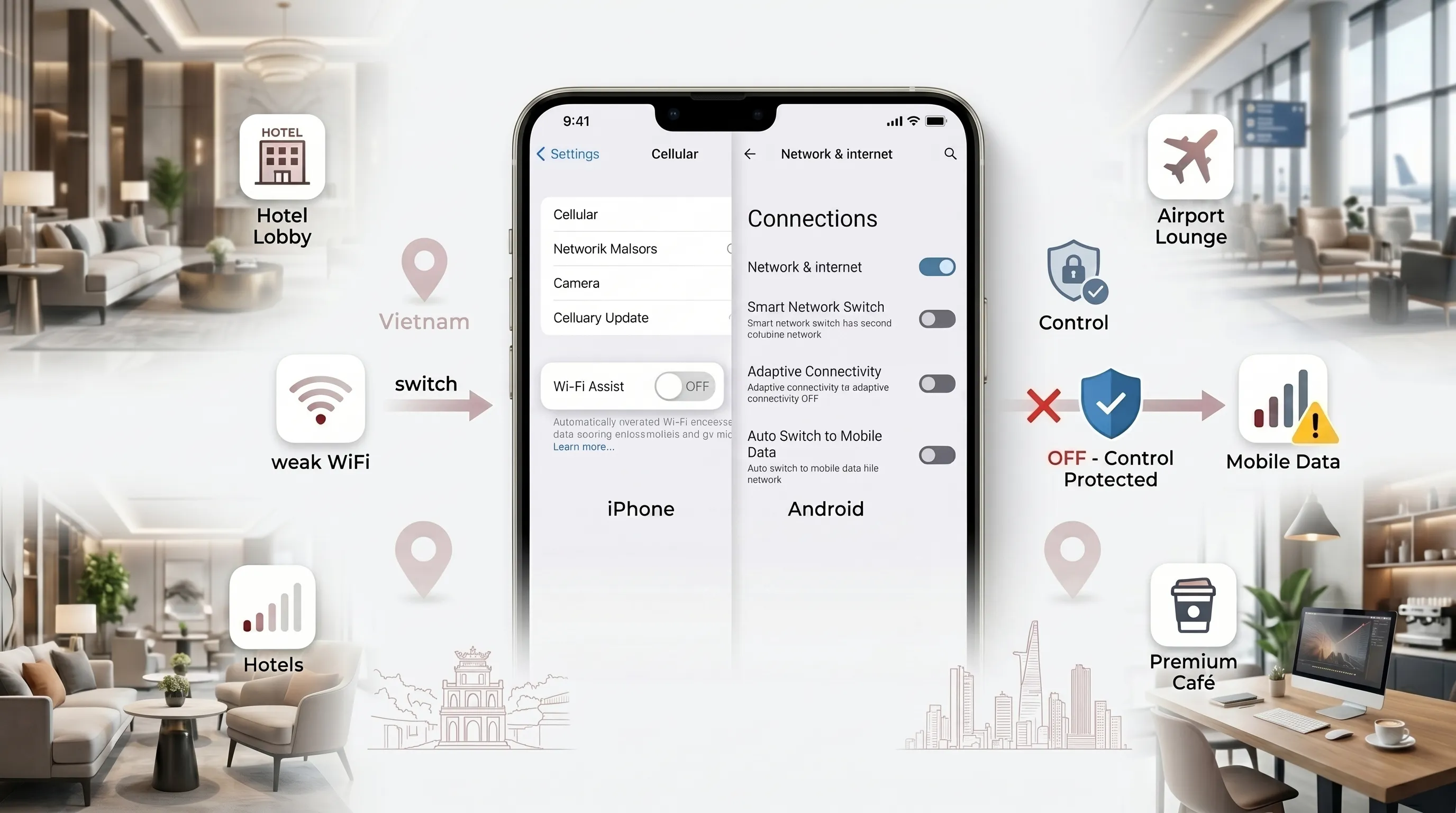
Many smartphones automatically switch to mobile data when WiFi becomes weak.
While convenient at home, this can waste travel data quickly.
iPhone Users
Turn OFF:
WiFi Assist
Android Users
Look for settings such as:
Smart Network Switch
Adaptive Connectivity
Auto Switch to Mobile Data
Why It Helps
In hotels, airports, and cafés, unstable WiFi may cause your phone to silently use eSIM data.
Turning this off gives you full control.
5. Enable WiFi Calling on Your Home SIM
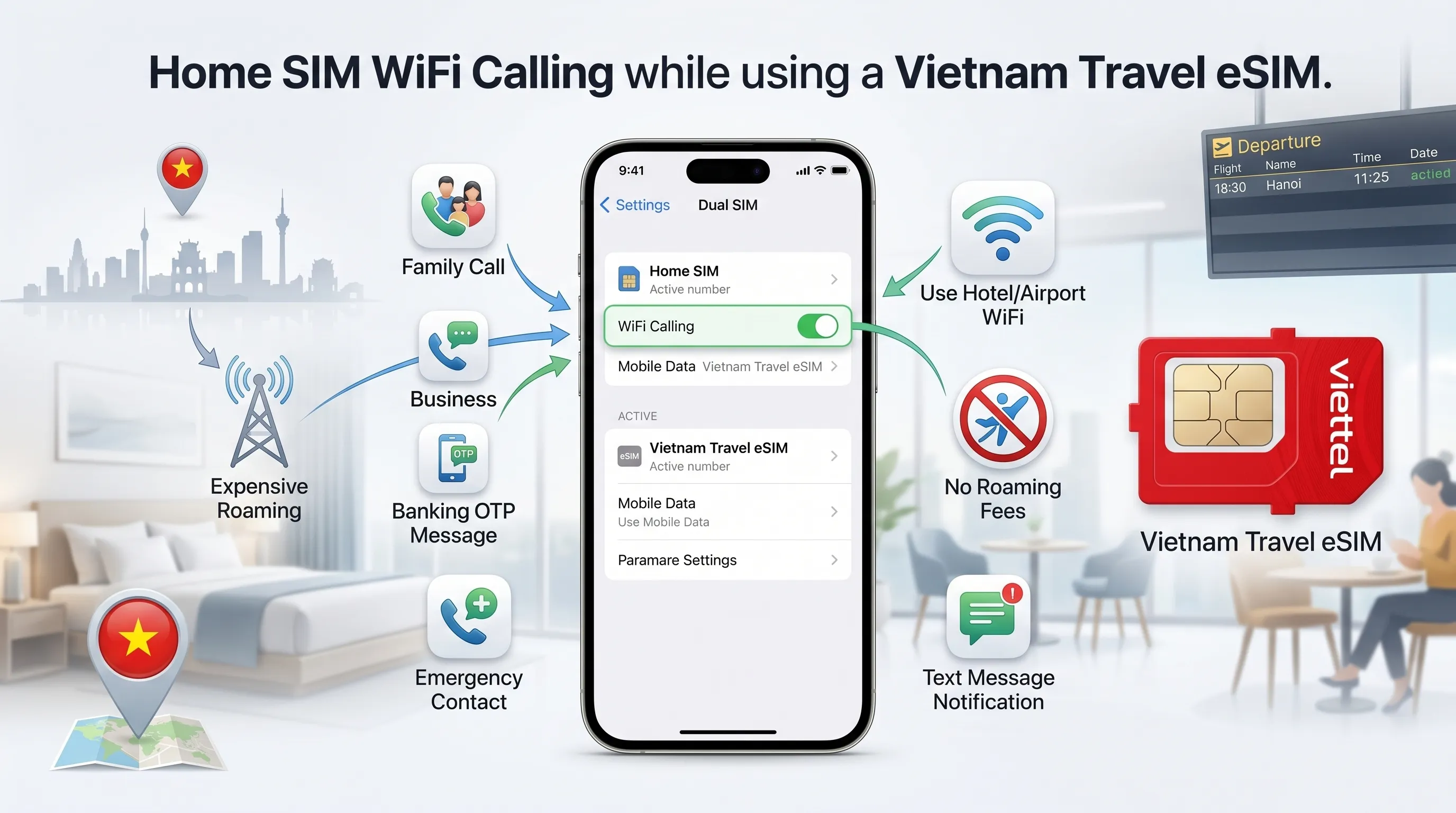
If you use a physical SIM + travel eSIM setup, you may want to keep your regular number active.
This is useful for:
family calls
work communication
banking OTP codes
emergency contact
Best Tip
Enable WiFi Calling on your home SIM before leaving your country.
Benefit
When connected to WiFi in Vietnam, you may receive calls or texts on your regular number without expensive roaming charges.
This is one of the smartest simcardvietnam user tips for international travelers.
6. Set a Data Warning Limit
Many users underestimate how quickly travel data can be used.
Streaming, hotspot sharing, uploads, and navigation all consume bandwidth.
Smart Move
If your plan includes 10GB:
set warning at 8GB
optional hard limit at 9GB
Why It Helps
You get time to:
top up your plan
reduce usage
switch to WiFi
avoid losing service unexpectedly
7. Optimize Social Media Settings
Social media apps are among the biggest data users.
Videos autoplay, images preload, and HD content loads automatically.
Recommended Adjustments
Settings → Data Usage → Use Less Cellular Data
YouTube
Playback Quality → Data Saver
TikTok
Enable Data Saver Mode
Disable HD autoplay
Result
This is one of the easiest Vietnam eSIM hacks to stretch your plan without changing your routine.
8. Use Lite Versions of Apps
If you are traveling for a longer period or using a smaller plan, lightweight apps can help.
Examples:
Facebook Lite
Messenger Lite
Opera Mini
Google Go
Benefits
Lite apps usually provide:
lower data use
faster loading
reduced battery drain
better performance on weak networks
This is especially helpful in rural areas or when tethering to a laptop.
9. Turn Off Automatic Photo and Cloud Sync
Many phones automatically upload photos and videos to:
iCloud
Google Photos
Dropbox
OneDrive
This can consume a large amount of mobile data.
Example
A day of travel photos and short videos may use several GB.
Best Practice
Set all backups to:
WiFi Only
This keeps your eSIM data available for maps, communication, and booking apps.
Bonus Tip: Use Hotspot Carefully
If you connect a laptop or tablet to your phone hotspot, data usage can rise quickly.
To reduce waste:
disable system updates
stop cloud sync apps
lower streaming quality
disconnect unused devices
This is especially important for digital nomads and remote workers.
Quick Comparison: Unoptimized vs Optimized Usage
Usage Habit | Unoptimized | Optimized |
Maps | Live data always active | Offline maps downloaded |
Social Media | HD autoplay on | Data saver enabled |
Photo Backup | Mobile uploads active | WiFi only |
Background Apps | Always refreshing | Disabled |
Airport Arrival | Search for WiFi | Instant eSIM connection |
Final Thoughts
Using the right settings can dramatically improve your travel experience.
By following these tips to use Vietnam eSIM, you can reduce wasted data, improve battery life, and stay connected throughout your trip.
For the best experience, install your eSIM before departure and apply these best practices esim Vietnam from day one.
A well-optimized Vietnam eSIM gives you lower costs, better performance, and far more freedom while traveling.