How to Connect Your Laptop or MacBook to the Internet in Vietnam via eSIM (Complete Travel Guide for Digital Nomads)
For a digital nomad, "No Internet" means "No Work." If you are planning a remote work trip to Vietnam, relying on spotty hotel WiFi or searching for a physical SIM card at the airport is a thing of the past.
The modern solution to connect laptop internet Vietnam travel is using a high-speed Vietnam travel eSIM. This guide will show you how to turn your smartphone into a powerful workstation for your MacBook or laptop using three reliable methods, featuring the unique offline activation technology from Esim Viet Nam.
Why Digital Nomads Choose eSIM Over Public WiFi

Public WiFi in Vietnam is common but often unsecured and throttled. For remote work Vietnam tasks like Zoom calls or VPN access, a private eSIM hotspot offers:
Instant Connectivity: No need to find a cafe just to get online.
Superior Security: Protect your company data from open-network hackers.
Offline Activation: Unlike other providers, esimcardvietnam allows you to activate your profile without a Wi-Fi connection—perfect for immediate access upon landing at the airport or in remote areas.
3 Professional Methods to Connect Your Laptop in Vietnam
Method 1: Personal Hotspot (The Wireless Standard)
This is the most common way to get MacBook WiFi anywhere from the rice fields of Sapa to the beaches of Da Nang.
How it works: Your phone acts as a wireless router.
Step: Settings → Personal Hotspot → Allow Others to Join.
Pro Tip: Perfect for quick tasks and checking emails on the go.
Method 2: USB Tethering (Best for Meetings & Stability)
For serious remote work Vietnam sessions, USB tethering is the gold standard.
Why use it: It provides the lowest latency (ping) for video calls and doesn't drain your phone battery as fast as a hotspot.
Step: Connect your phone to your laptop via cable → Enable USB Tethering in settings.
Reliability: This is the most stable method for long hours of cloud-based collaboration or large file uploads.
Method 3: Bluetooth Tethering (The Energy Saver)
A great backup option when you need to conserve every bit of battery life.
Best for: Text-based work, Slack messages, or low-data tasks.
Performance: Slower than WiFi, but extremely battery-efficient for long travel days.
The "No Wi-Fi" Advantage: First-Time Setup for Tourists
Most travelers struggle to activate esim vietnam step by step because they can't find stable Wi-Fi at the airport.
With Esim Viet Nam, the process is seamless:
1. Buy online: Get your QR code before you fly.
2. Scan & Go: Even without airport Wi-Fi, you can scan the QR code. Our eSIM technology handles the registration internally without needing an external internet source.
3. Connect Laptop: Once the eSIM is active on your iPhone 11+, simply toggle the personal hotspot and your laptop is online in seconds.
High-Data eSIM Plans for Laptop Tethering
If you plan to connect laptop internet Vietnam travel, you need a plan with a substantial data allowance to handle professional tasks. We recommend:
Nomad High-Data Bundle: 5GB daily limits designed for heavy tethering and video conferencing.
Fixed Data Packages: Choose from 15-day or 30-day plans with enough GBs to power your entire work-cation.
Where Does Your Connection Work Best?
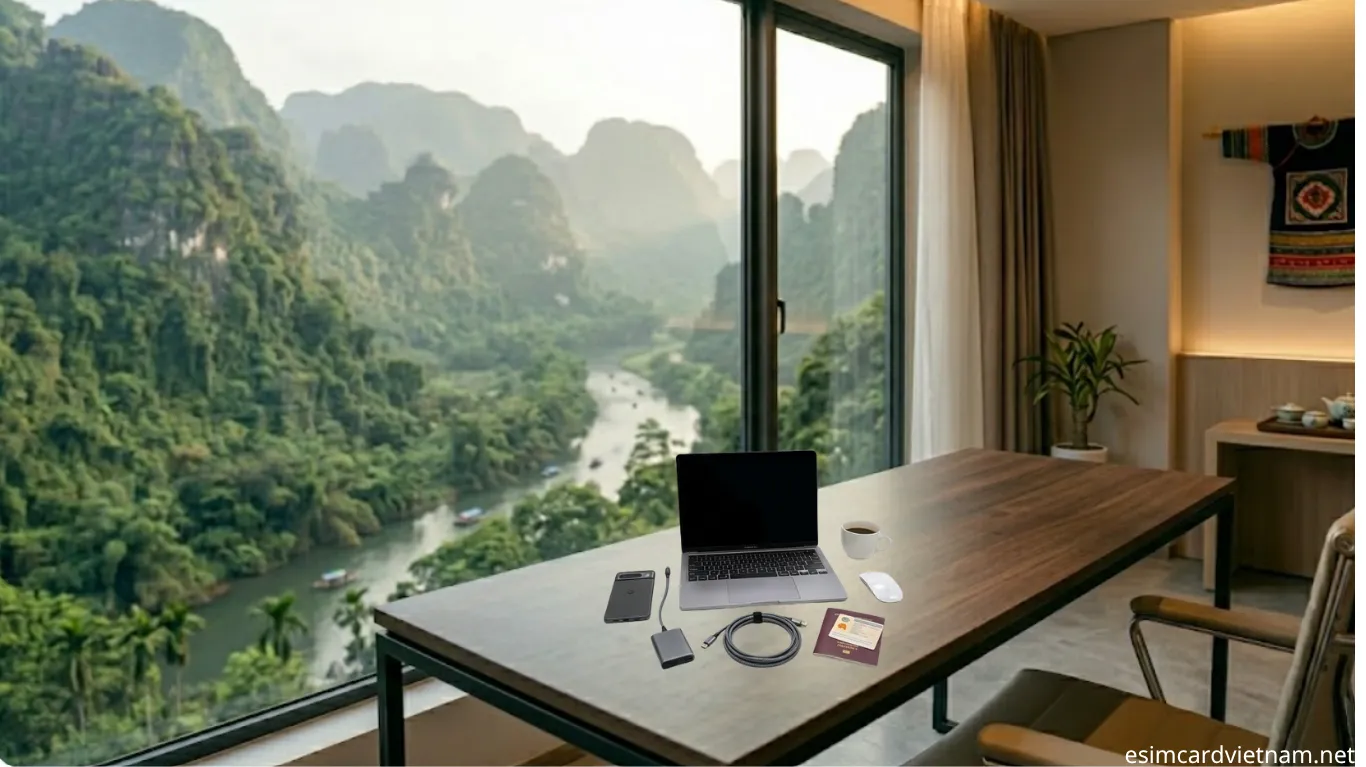
Once you've completed the vietnam esim first time setup, you’ll enjoy 4G/5G coverage across:
Coworking Hubs: Ho Chi Minh City (District 1 & 3), Da Nang (An Thuong area).
Travel Destinations: Hoi An, Nha Trang, and Phu Quoc.
On the Move: Most inter-city trains and limousine buses now have great signal paths for eSIM users.
Troubleshooting: Why Isn't My Laptop Connecting?
Check Data Roaming: Ensure "Data Roaming" is ON in your eSIM cellular settings.
Max Compatibility: On iPhone, toggle "Maximize Compatibility" in the Hotspot menu for older laptops.
APN Settings: Most Esim Viet Nam plans configure automatically, but a quick restart usually fixes any signal delay.