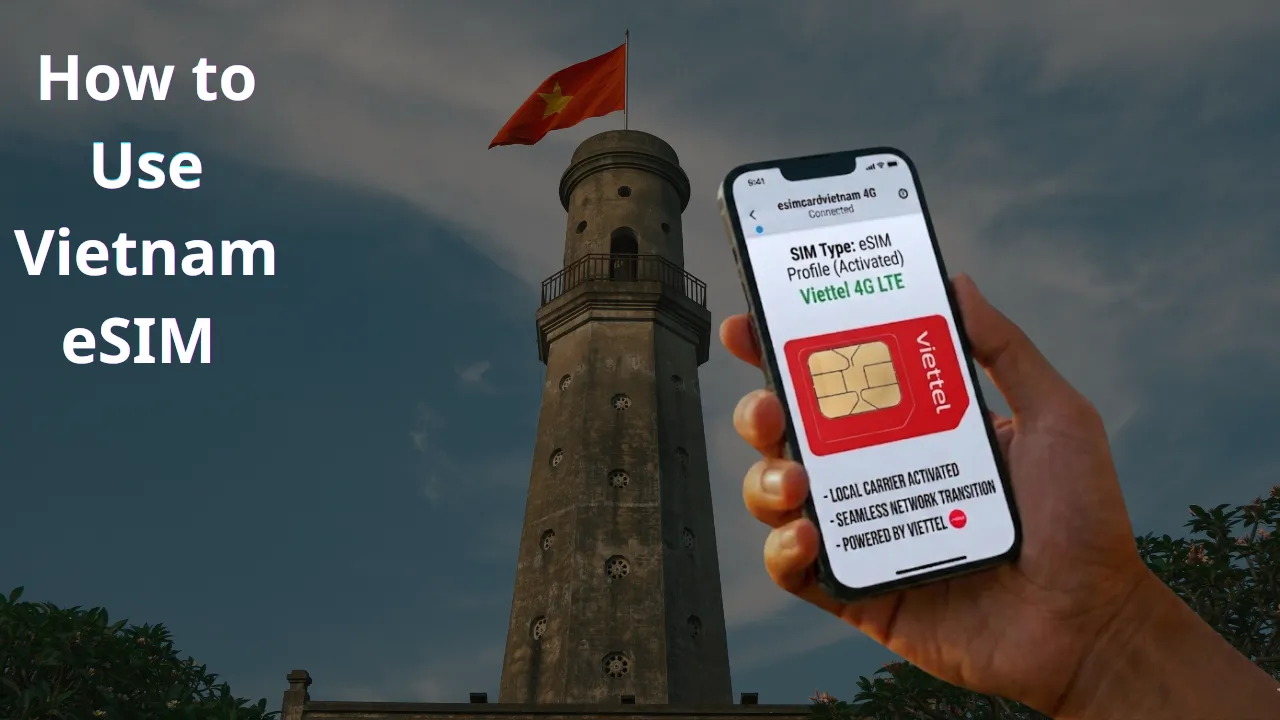
How to Use Vietnam eSIM (Step-by-Step iPhone Setup Guide for Tourists)
Arriving in a new country like Vietnam without internet access can feel stressful. Most travelers need connectivity immediately to book a ride, check directions, or message family after landing.
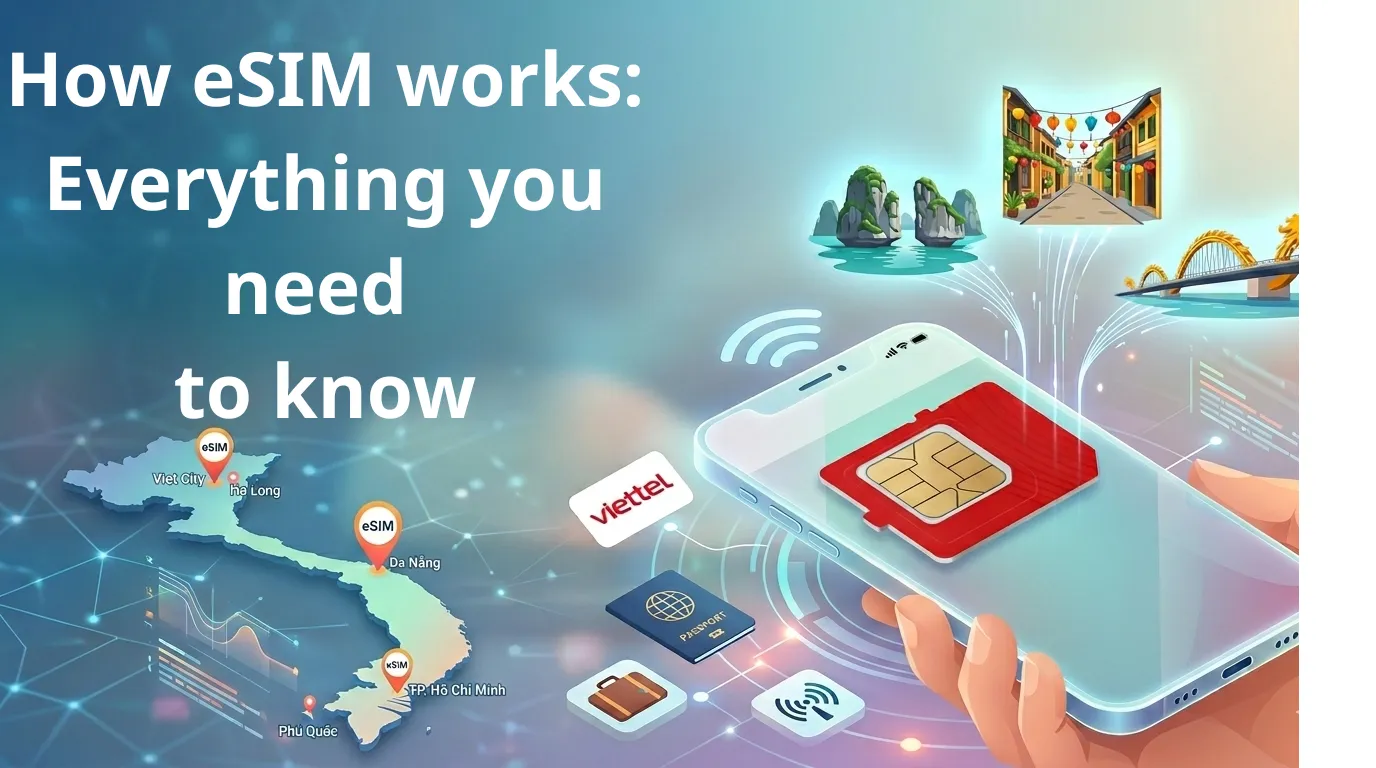
Instead of searching for a physical tourist SIM Vietnam card at airport counters, many visitors now choose a Vietnam travel eSIM. This digital option lets you connect within minutes—without replacing your original SIM card.
This guide explains how to use Vietnam eSIM on iPhone 11 or newer devices, including installation timing, activation steps, and troubleshooting tips for first-time travelers.
What Is a Vietnam Travel eSIM and Why Travelers Prefer It
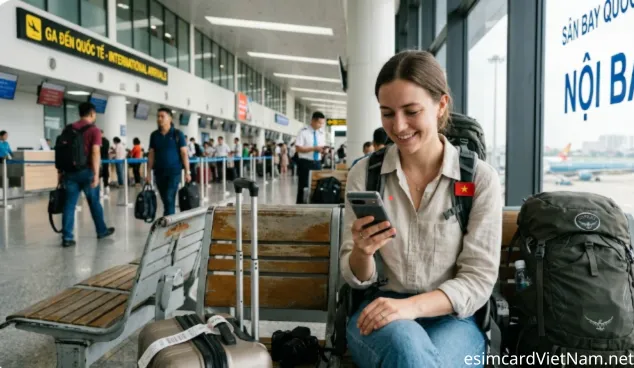
An eSIM (embedded SIM) is a built-in digital SIM that allows your phone to connect to local mobile networks without inserting a physical card.
With esimcardvietnam, the process is designed specifically for international visitors who want fast and reliable travel connectivity after arrival.
How esim VietNam Works
The setup process is simple:
1. Purchase your data plan online
2. Receive a QR code instantly by email
3. Scan the code once
4. Connect to local 4G/5G networks after landing
Unlike traditional SIM purchases, there is no store visit required and no waiting at airport kiosks.
Another advantage is that activation can begin even if airport Wi-Fi is limited or unavailable, making this solution especially useful for first-time visitors.
Check If Your iPhone Supports eSIM Before Travel
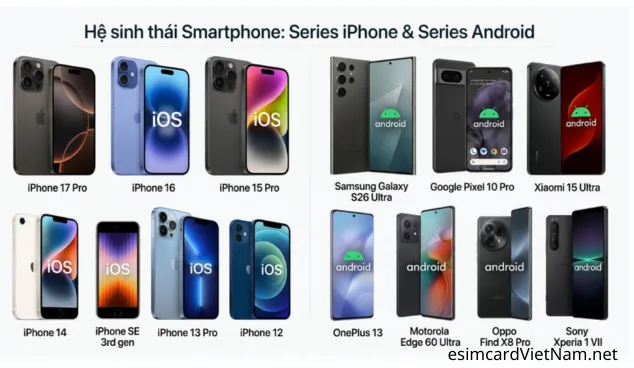
Before starting installation, confirm your device supports eSIM technology.
Compatible models include:
iPhone 11 series
iPhone 12 series
iPhone 13 series
iPhone 14 series
iPhone 15 series
iPhone 16 series
iPhone 17 series
iPhone SE (2nd and 3rd generation)
Your device must also be carrier unlocked. Locked phones may prevent installation of a Vietnam travel eSIM profile.
When Should You Install Your eSIM Profile?
For the smoothest experience, travelers typically follow this timing:
Install the profile before departure or during transit
Activate mobile data after landing
Scan the QR code only once
This approach ensures stable network registration and avoids activation issues later.
Step-by-Step: Activate eSIM on iPhone After Arriving in Vietnam
Follow this simple setup process to complete installation in under two minutes.
Step 1: Open Cellular Settings
Go to:
Settings → Cellular (or Mobile Data)
📷 Insert screenshot: Cellular settings screen
Step 2: Select “Add eSIM”
Tap:
Add eSIM → Use QR Code
📷 Insert screenshot: Add eSIM selection screen
Step 3: Scan the QR Code Sent by Email
Open the PDF from esimcardvietnam and scan your personal QR code.
Tip:
If you are traveling alone, save the QR code image to Photos and choose Open Photos during scanning.
📷 Insert screenshot: QR scanning interface
Each QR code can be used only once and is linked to a single device.
Step 4: Name Your Travel Data Line
Label the new profile something easy to recognize, such as:
Vietnam Travel
Travel Data
Local Data Line
This helps manage dual-SIM usage while keeping your primary number active.
📷 Insert screenshot: eSIM label screen
Step 5: Enable Mobile Data and Data Roaming
Complete activation by turning on:
Cellular Line
Mobile Data
Data Roaming
After these settings are enabled, your phone should connect automatically to local networks.
📷 Insert screenshot: roaming toggle screen
Why Many Tourists Choose eSIM Instead of Airport SIM Cards
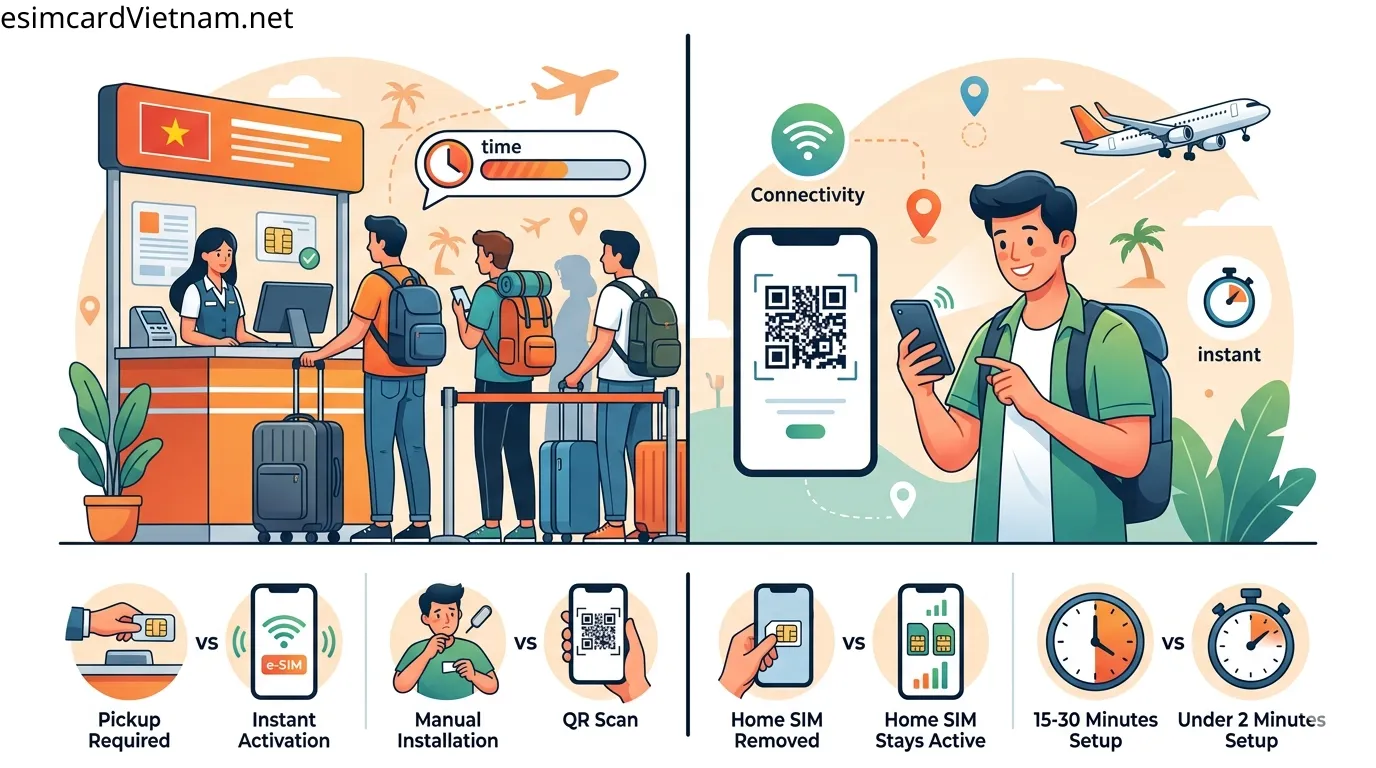
Compared with traditional tourist SIM Vietnam purchases, digital installation offers several practical advantages.
Feature | Airport SIM Card | Travel eSIM |
Pickup required | Yes | No |
Installation | Manual | QR scan |
Keep home SIM active | No | Yes |
Setup time | 15–30 minutes | Under 2 minutes |
Activation flexibility | Limited | Immediate after landing |
Because of this convenience, many international travelers now prepare connectivity before departure instead of buying SIM cards on arrival.
Where Your Mobile Data Connection Works in Vietnam
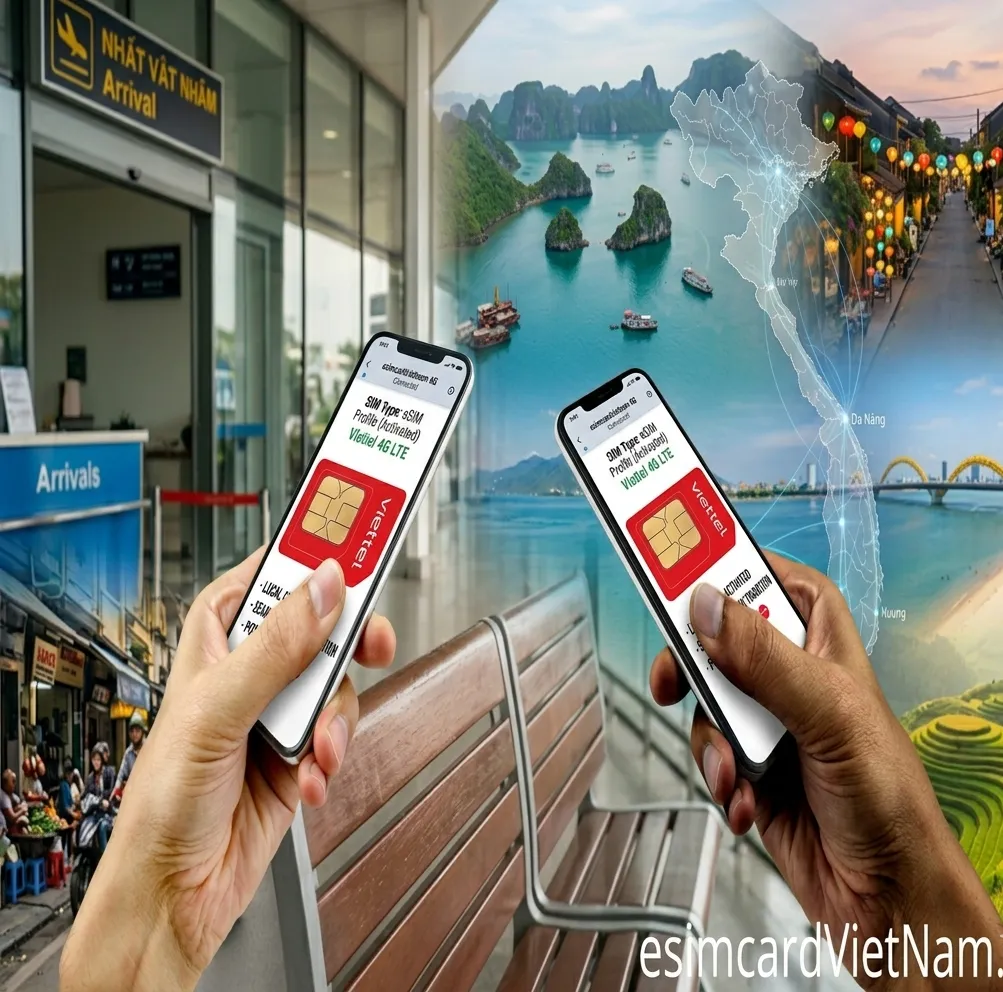
After setup is complete, coverage is strong across most travel destinations including:
Hanoi
Ho Chi Minh City
Da Nang
Hoi An
Hue
Ha Long Bay
Phu Quoc
Nha Trang
Mui Ne
Sapa
This makes it easy to use navigation apps, translation tools, ride-hailing services, and messaging platforms throughout your trip.
Common Setup Issues and Quick Fixes
Most installation problems are easy to resolve within minutes.
Issue: Unable to complete cellular plan setup
Restart your phone and scan again.
Issue: Connected but no internet access
Turn ON Data Roaming inside cellular settings.
Issue: QR code cannot be detected
Increase screen brightness or scan from the Photos library instead.
Following these steps usually completes the setup successfully for first-time travelers.
Why This Setup Method Works Well for First-Time Visitors
For travelers arriving in Vietnam for the first time, preparing mobile data before departure removes uncertainty at the airport and avoids searching for local SIM counters after a long flight.
Using esimcardvietnam, visitors can complete installation quickly and start using maps, transportation apps, and communication tools immediately after landing—making the transition into their trip smoother and more comfortable.